
Your hardware, your future
The panel runs on machines you already own. Rent a node from us only if you want the hardware too.
Deploy Minecraft, CS2, Rust, and 50+ other games on hardware you own—or rent a node if you need it. One dashboard for deploy, console, files, and permissions.
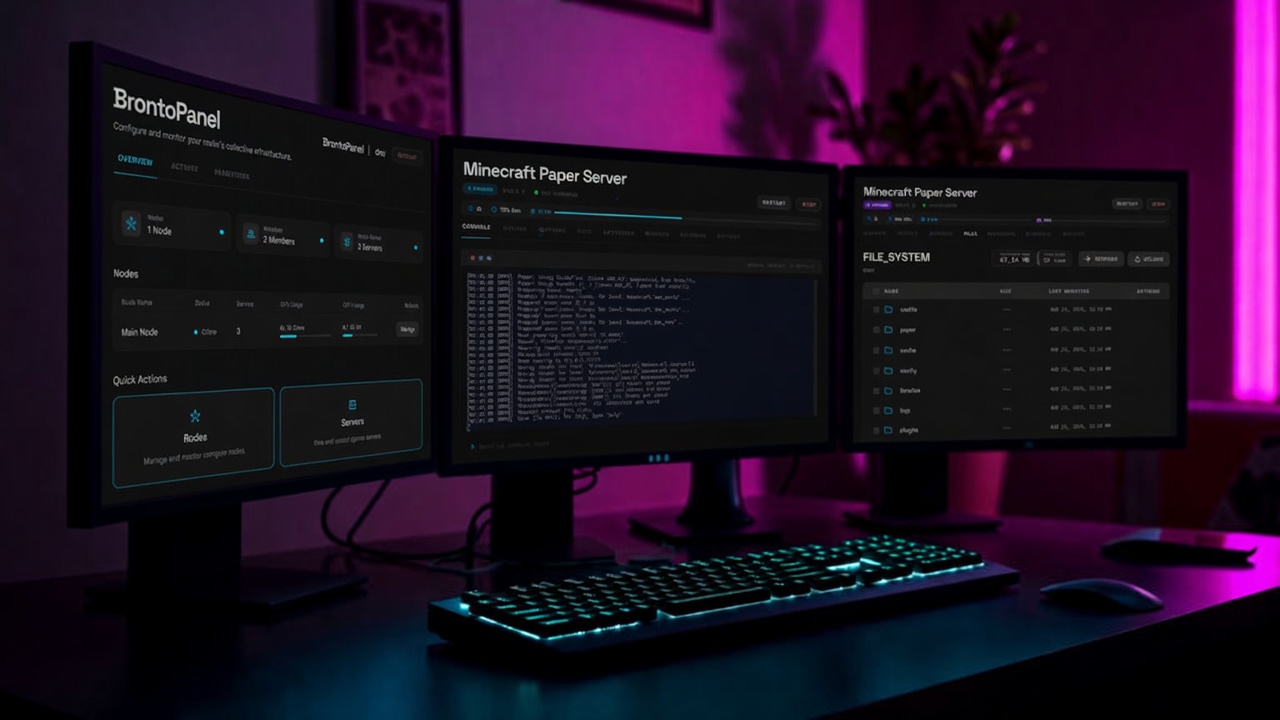
One panel for deploy, access, and day-to-day ops. A real catalog, roles that match how teams work, and the tools you need after a server is live.
The panel runs on machines you already own. Rent a node from us only if you want the hardware too.
Pick a game, choose the software, and start it. Console, files, backups, and power controls stay in one dashboard.
Realms, roles, and per-server access. Invite staff, grant only what they need, and see every change in the activity log.
Minecraft, CS2, Rust, FiveM, Palworld, and more. 70+ official blueprints for popular server software.
Getting Started
Realm, node, deploy. The same three steps the panel walks you through after you sign in.
A home for your community. Invite people and set roles so staff can help without taking over the panel.
Bring a machine you already own, or rent a VPS. Paste the install command — the panel waits until the node is online.
Browse the catalog, place a blueprint on that node, and hit start. Manage every game from the same dashboard.
BrontoPanel is the control panel. Connect a machine you own, or rent a node if you need the hardware too.
Connect a machine you already run.
$14 / month
$22 / month
$38 / month